Your Personal AI Assistant,
Running on Your Terms
OpenClaw connects Claude, GPT, and local AI models to your favorite messaging apps—WhatsApp, Telegram, Discord, and more. Self-hosted, privacy-first, and incredibly powerful.
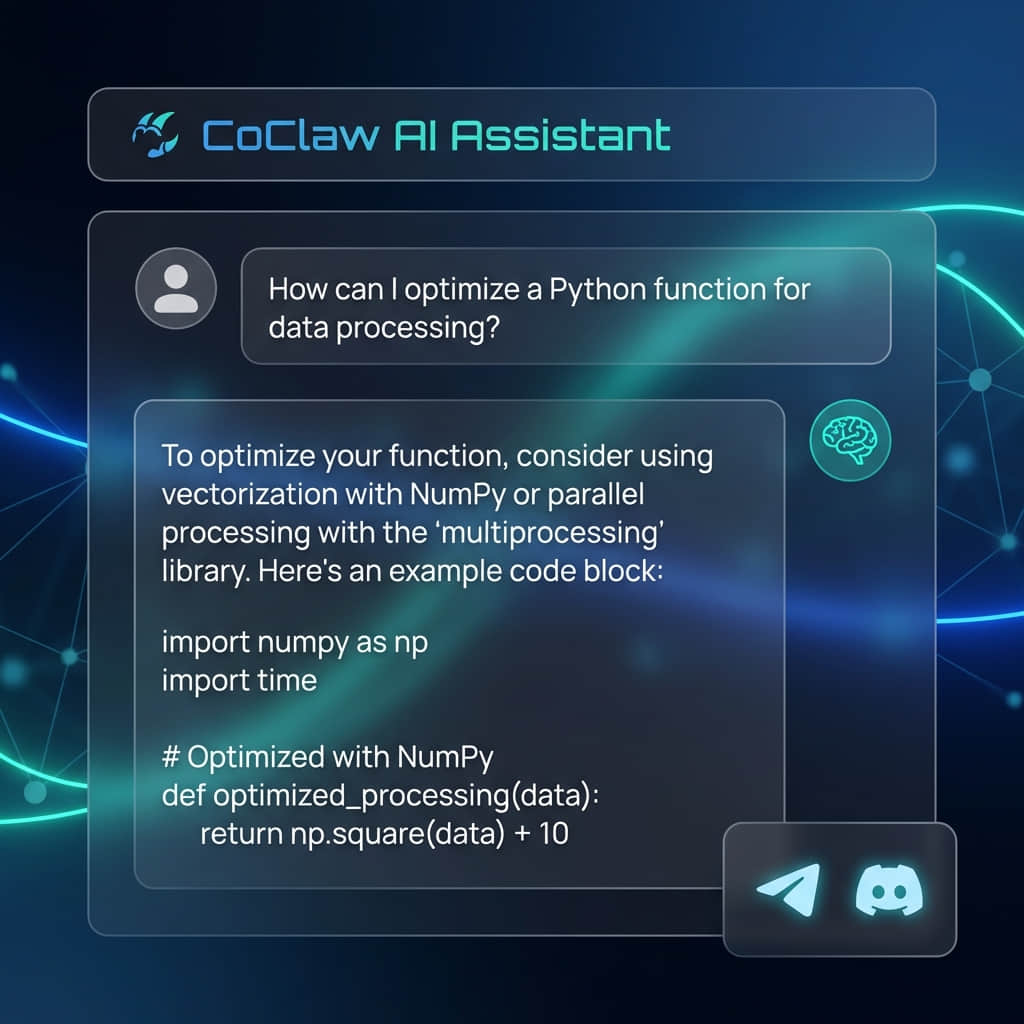


Config Generator
No-code config creation with secure defaults and best practices built-in.
Fast Setup
Step-by-step guides for Mac, VPS, Docker, and more — optimized for first success.
Light & Dark UI
A polished experience with accessible components and theme-aware design tokens.
Troubleshooting
Searchable fixes and battle-tested checklists to resolve issues quickly.
Connect Your Favorite
Messaging Apps
OpenClaw seamlessly integrates with 10+ messaging platforms, bringing AI assistance to wherever you communicate. Set up WhatsApp, Telegram, Discord, Slack, and more in minutes with our step-by-step guides.
Your Data Stays
on Your Device
OpenClaw runs entirely on your hardware—Mac, Linux, Windows, or even Raspberry Pi. No cloud dependencies, no data sharing, complete control. DM pairing and sandboxing ensure security by default.
npm install -g openclaw@latest
# Onboard with automatic daemon setup
openclaw onboard --install-daemon
# Connect your first channel (WhatsApp)
openclaw channels login
# Start chatting with your AI assistant!
# Gateway runs locally on ws://127.0.0.1:18789
Everything You Need
to Succeed
CoClaw provides comprehensive resources to help you master OpenClaw
📚 Beginner-Friendly Guides
Step-by-step tutorials for common setups—macOS, Linux, Windows, and cloud/VPS. No prior experience required.
🛠️ Visual Config Generator
In development. In the meantime, use our setup guides and best-practice checklists to build a secure configuration.
🔍 Searchable Troubleshooting
Find fixes fast with our searchable troubleshooting hub and platform-specific checklists.
🎥 Video Tutorial Library
Coming soon. We only list curated, verified walkthroughs to avoid outdated or unsafe instructions.
💬 Active Community Forum
Get help from experienced users, share your setups, and contribute solutions. Powered by Discourse.
🌏 Multi-Language Support
English-first today, with Chinese support planned. Contribute translations as the docs grow.
📦 Configuration Templates
Practical starting points for common setups: personal assistant, team bot, automation hub, and privacy-focused configurations.
🔐 Security Best Practices
Learn how to configure DM pairing, sandboxing, tool allowlists, and secure remote access with Tailscale.
Join the
OpenClaw Community
123,000+ developers building the future of personal AI
Getting Started
Install your personal AI assistant in minutes with step-by-step tutorials for macOS, Linux, Windows, and more.
Visual Config Generator
Create secure OpenClaw configurations in minutes with our no-code tool. Platform-specific, security-first, and beginner-friendly.
Community
Get involved in our community. Everyone is welcome!
Support the CoClaw Community
CoClaw is a community-driven platform helping thousands of users successfully deploy OpenClaw. We provide free guides, troubleshooting, and tools. Support us to keep the resources growing and the community thriving.
Share your knowledge, improve docs, or report issues